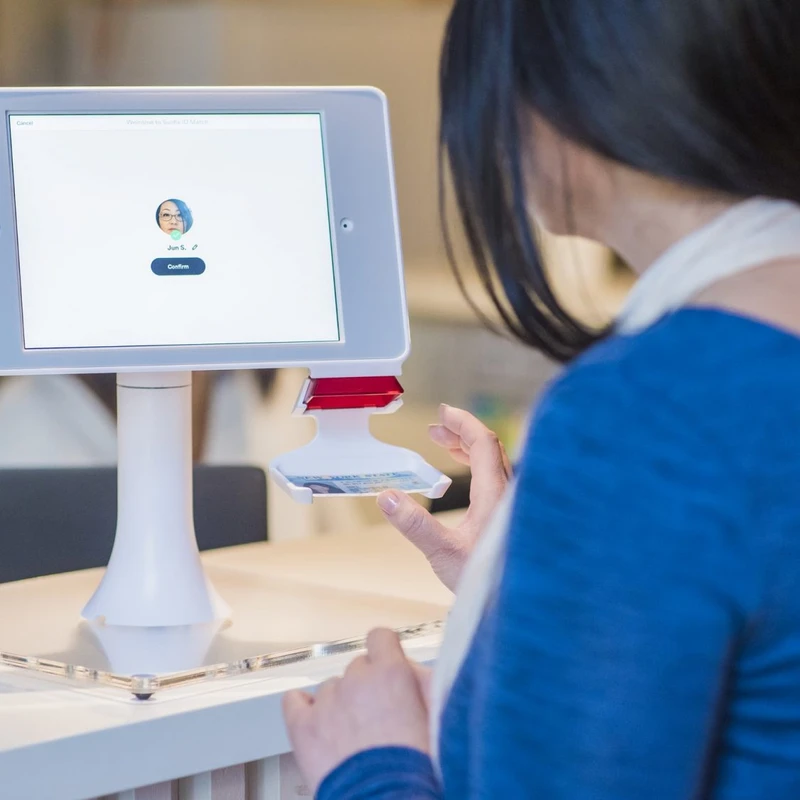
Check-in for all children, birth to 5th grade, is upstairs in the Kids Hallway. When you walk in the main doors, signs point you towards the iPads, where you will put in your phone number and add kids to their classrooms.
If you are a first-time guest or it is your first time checking your kids in, someone will be by the iPads to help create your account. When you set up your account, we ask for basic information, including name, address, phone number, and birthdate. You will receive one name tag and one security tag. The security tag matches the number on their name tag, which is how we will match you up to your child when you come to pick them up from their respective classrooms.
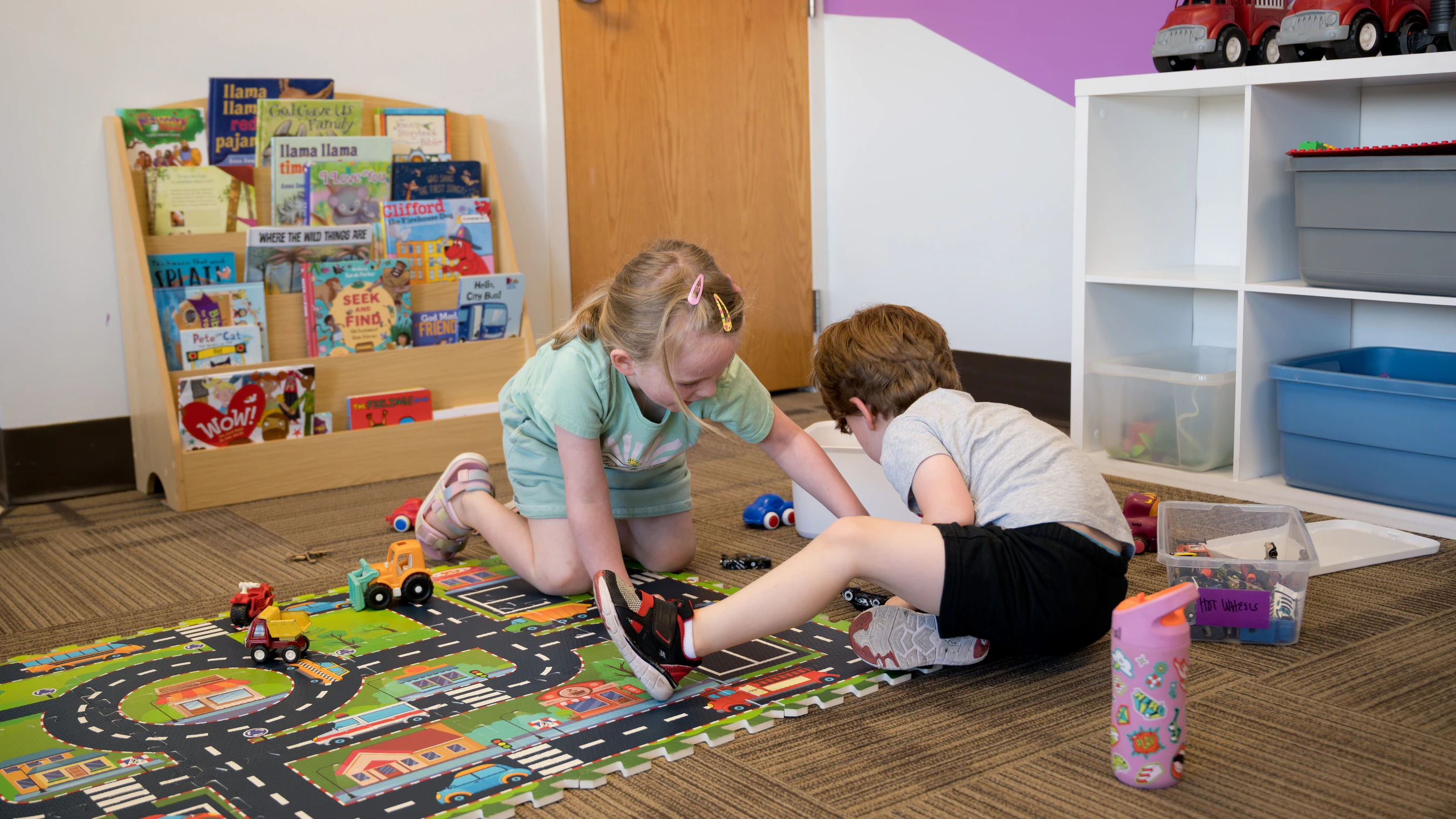
The classroom for nursery-aged kids is upstairs near the check-in area. Preschool and elementary kids can be taken down the back staircase to their rooms.
For Community Hour, you will sign your child(ren) into both programs when you arrive for the Worship Gathering at 9:30 a.m. When signing your child(ren) in, be sure to check "9:30 a.m. and 10:45 a.m." You will need to pick your child(ren) up after service and drop them back off in Base Camp (K-5th grade) and/or Preschool (Nursery-Preschool).